Teams on GraphAcademy let learners study together, compare progress on a leaderboard, and follow a shared set of courses. Private teams use a PIN so only invited people join. When you design or run cohort experiences, you should know where teams live in the product and how to create one.
In this lesson, you will learn how to:
-
Open Teams from your account menu
-
Create a team, set visibility, and use the confirmation details (team ID, PIN, leaderboard link)
-
Use the … menu to edit the team, adjust the shared learning path, or invite members
Open Teams from your account menu
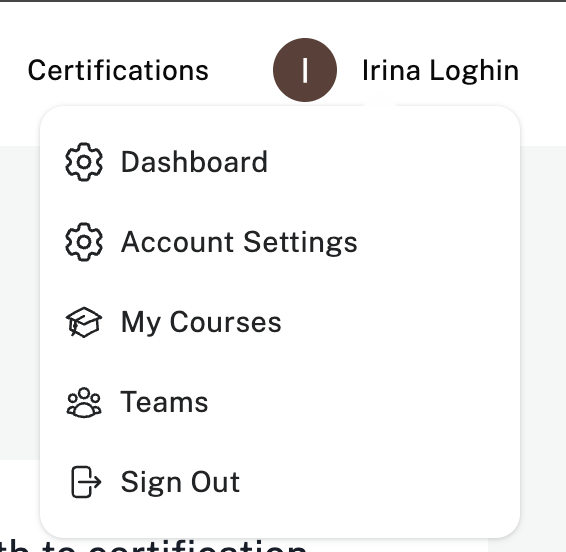
In the header, open your profile menu, then choose Teams.
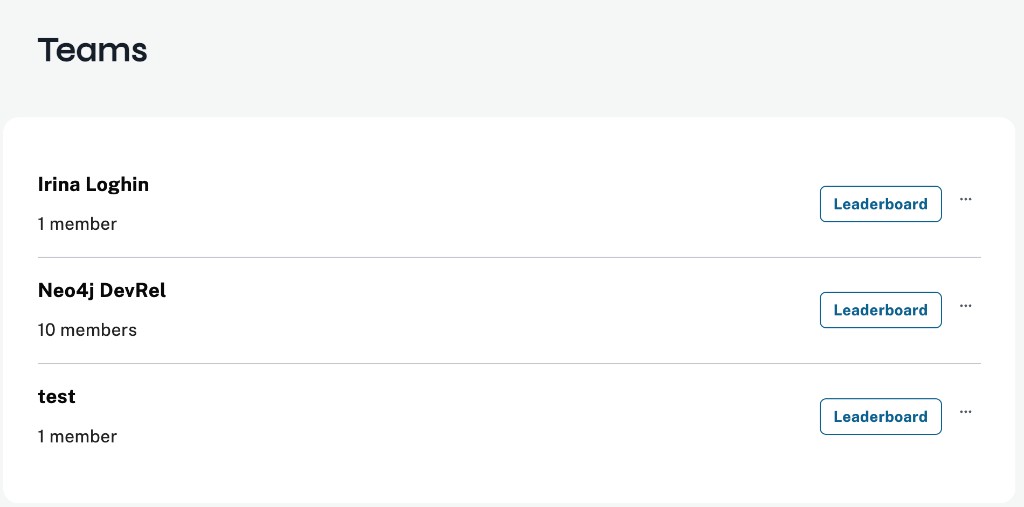
You land on the Teams page. It lists every team you belong to, with Leaderboard on each row and … for more actions. At the bottom of the page you can Join a Team or Create a Team.
Create a team
Choose Create a Team. Enter a team name (required), an optional description, and visibility. Private teams stay visible only to members; GraphAcademy generates a PIN that new members must enter when they join.

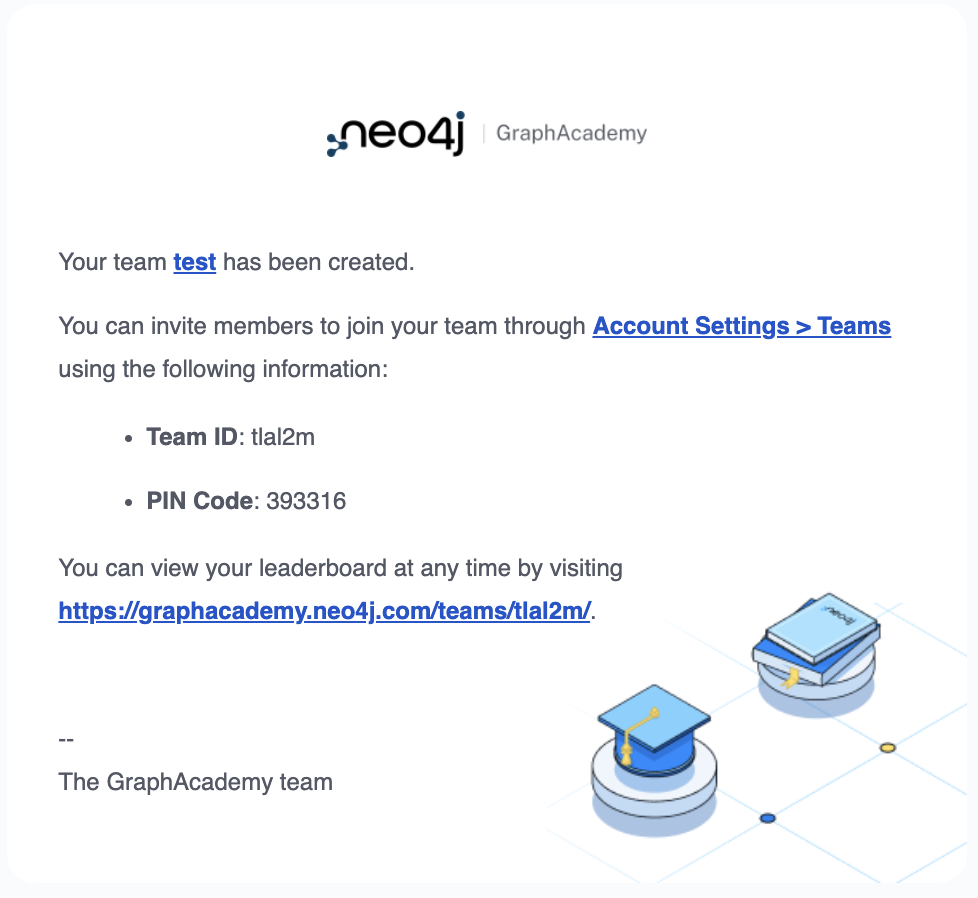
Click Save Changes. GraphAcademy emails you a confirmation that includes the team ID, PIN, and a link to the team leaderboard. Keep that message so you can share join instructions through the channels your organization already uses.
Manage a team
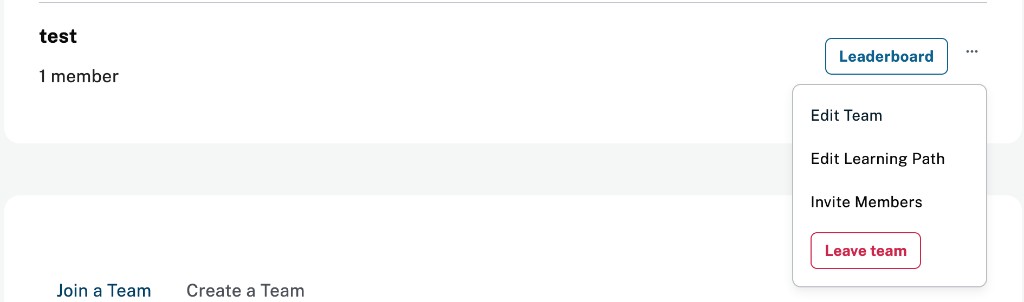
On a team row, open … to reach Edit Team, Edit Learning Path, Invite Members, or Leave team.
Curate the shared learning path
Choose Edit Learning Path when you want every member to see the same course stack. You get two columns—Current Learning Path and Available Courses—so you can add or remove courses for the whole team.
PINs and team IDs
Treat PIN and team ID like lightweight credentials for private teams: share them only with people who should enroll, and rotate or recreate the team if a PIN leaks.
Summary
In this lesson, you learned where Teams lives in GraphAcademy, how to create a team (including visibility and PIN behavior), how to use the … menu for common management tasks, and how Edit Learning Path keeps a cohort on the same courses.
In the next lesson, you will learn about Asciidoc and explore common snippets used in GraphAcademy course content.